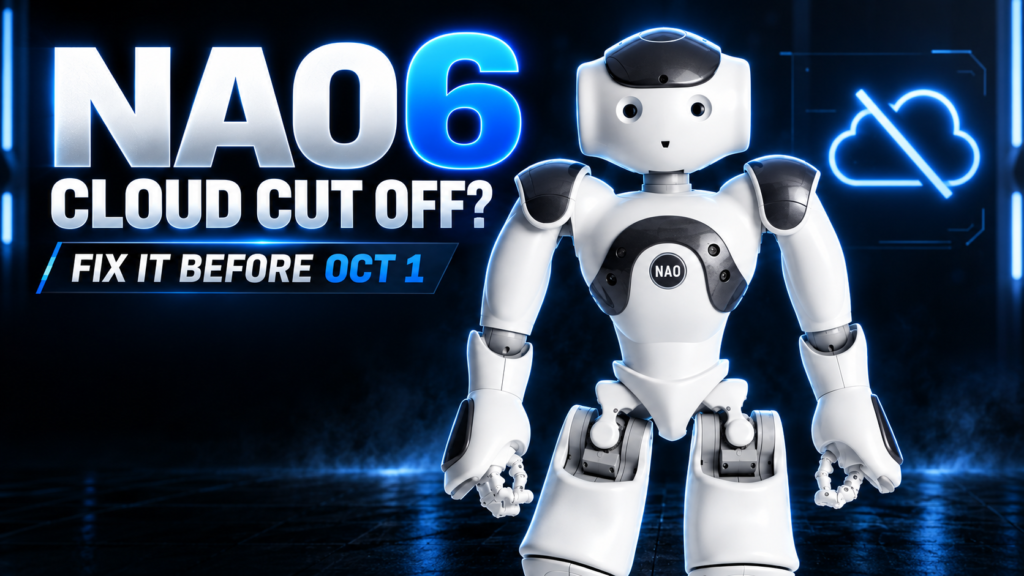
Quick answer: If your school, clinic or lab owns a NAO6 humanoid robot, mark the date: Aldebaran’s old NAO Cloud services shut down for good on October 1st, 2026. Any NAO6 that hasn’t been updated by then loses the Application Store, software updates and Remote ASR — permanently. The fix is a free update that takes minutes and won’t touch your installed apps. Robot Center is the official NAO robot distributor for the UK and Ireland and a certified Maxtronics partner — we can run the update for you, or talk you through it in five minutes. Get in touch and we’ll sort it.
Your NAO6 Is About to Go Quiet
Here’s the situation. NAO6’s original cloud infrastructure was built by Aldebaran, the company that created NAO. Aldebaran’s cloud is being switched off for good on 1st October 2026, and Maxtronics — the company that now manufactures and supports NAO6 — has taken over the entire cloud infrastructure with a brand-new set of services built specifically for NAO6.
That’s good news long-term: Maxtronics is investing in NAO’s future. But it means every NAO6 in the UK and Ireland needs a one-off software update before the old system disappears. Miss it, and your robot doesn’t stop working — it just gets cut off from everything that keeps it current.
What You Lose If You Don’t Update
Without the update, from October 1st your NAO6 loses access to:
- The Application Store — no new apps, and no re-downloading old ones
- Software updates — your robot’s software gets frozen in time
- Remote ASR (the cloud-based speech recognition that gives NAO its natural conversation ability)
For a school running STEM lessons, a clinic using NAO in autism therapy, or a university lab mid-research-project, that’s a real problem — and it’s an entirely avoidable one.
The Good News: It’s Free and It’s Fast
The update itself costs nothing and won’t touch any apps you’ve already installed. Here’s what changes under the bonnet:
- Platform setup — you’ll choose between an open or closed platform during setup, in line with the Radio Equipment Directive
- Robot Settings — a new version of the Robot Settings desktop tool is installed automatically
- Choregraphe — the connection port changes from 9559 to 9561, so update any saved connection profiles
- App Store — apps now live on the new Maxtronics App Store at cloud.nao6.maxtronics.com. Already had an Aldebaran account? Just hit “Forgot password?” on the new store to recover it — nothing needs migrating manually
How to Update Your NAO6
- Connect your NAO6 to the internet
- Open the Robot Settings desktop tool
- Accept and install the update when prompted
Maxtronics has published a full step-by-step walkthrough here: NAO6 software update guide. Running into trouble, or don’t have the in-house time? Robot Center can update your robot for you as part of our UK support service — just call 0845 528 0404 or email sales@robotcenter.co.uk.
Bonus: A Free Trial of NAO Activities with GenAI
While you’re updating, it’s worth trying NAO Activities with Generative AI — Maxtronics’ newest content package, which lets NAO hold natural, AI-driven conversations and lessons without any coding. New and existing customers can trial it free for a month. Ask us for details when you get in touch.
Robot Center: Your Official NAO Partner in the UK and Ireland
Robot Center is the official Maxtronics distribution partner for NAO in the UK and Ireland, supplying, supporting and servicing NAO6 robots for schools, universities, hospitals, care providers and research teams across both countries. Whether your NAO6 needs updating, your fleet needs expanding, or you’re bringing NAO into your organisation for the first time, we handle the whole journey — not just the sale.
Three ways to work with us:
- Buy a NAO6 robot — the right choice for long-term teaching, research or therapy programmes
- Hire or rent a NAO robot via our events arm, Robots of London — ideal for open days, conferences, product launches and pilot trials
- Get UK-based support — setup, updates, Choregraphe and Python/C++ programming help, staff training and ongoing maintenance
As a Maxtronics partner, we’re plugged directly into the people building NAO’s future — so when things change (like this cloud migration), our customers hear about it from us first, not the other way round.
NAO6 Cloud Update: Frequently Asked Questions
What happens if I don’t update my NAO6 before October 1st, 2026?
Your robot keeps working, but it permanently loses access to the Application Store, software updates and Remote ASR (cloud speech recognition). There’s no grace period after the cut-off.
Does the NAO6 update cost anything?
No — the update is completely free, and it doesn’t remove or affect any apps you’ve already installed.
Who is Maxtronics?
Maxtronics is the company now manufacturing, supporting and hosting cloud services for the NAO6 robot, following Aldebaran’s closure. Robot Center is Maxtronics’ official distribution partner for the UK and Ireland.
Can Robot Center update my NAO6 for me?
Yes. As the official UK and Ireland NAO distributor, we can carry out the update on-site or remotely as part of our support service. Contact our team to book it in before the deadline.
Can I still buy, hire or rent a NAO robot in the UK?
Yes. Robot Center sells NAO6 robots for long-term deployment and, through Robots of London, offers short-term NAO hire and rental for events, trials and demonstrations across the UK and Ireland.
Don’t Leave It to the Last Minute
October 1st, 2026 isn’t far off, and once it passes, there’s no undoing a missed update. If you own a NAO6, run the update this week. If you’d rather we handled it, or you’re weighing up buying, hiring or renting a NAO robot, talk to Robot Center — the UK and Ireland’s official NAO and Maxtronics partner.
Call 0845 528 0404 or email sales@robotcenter.co.uk.